
Description
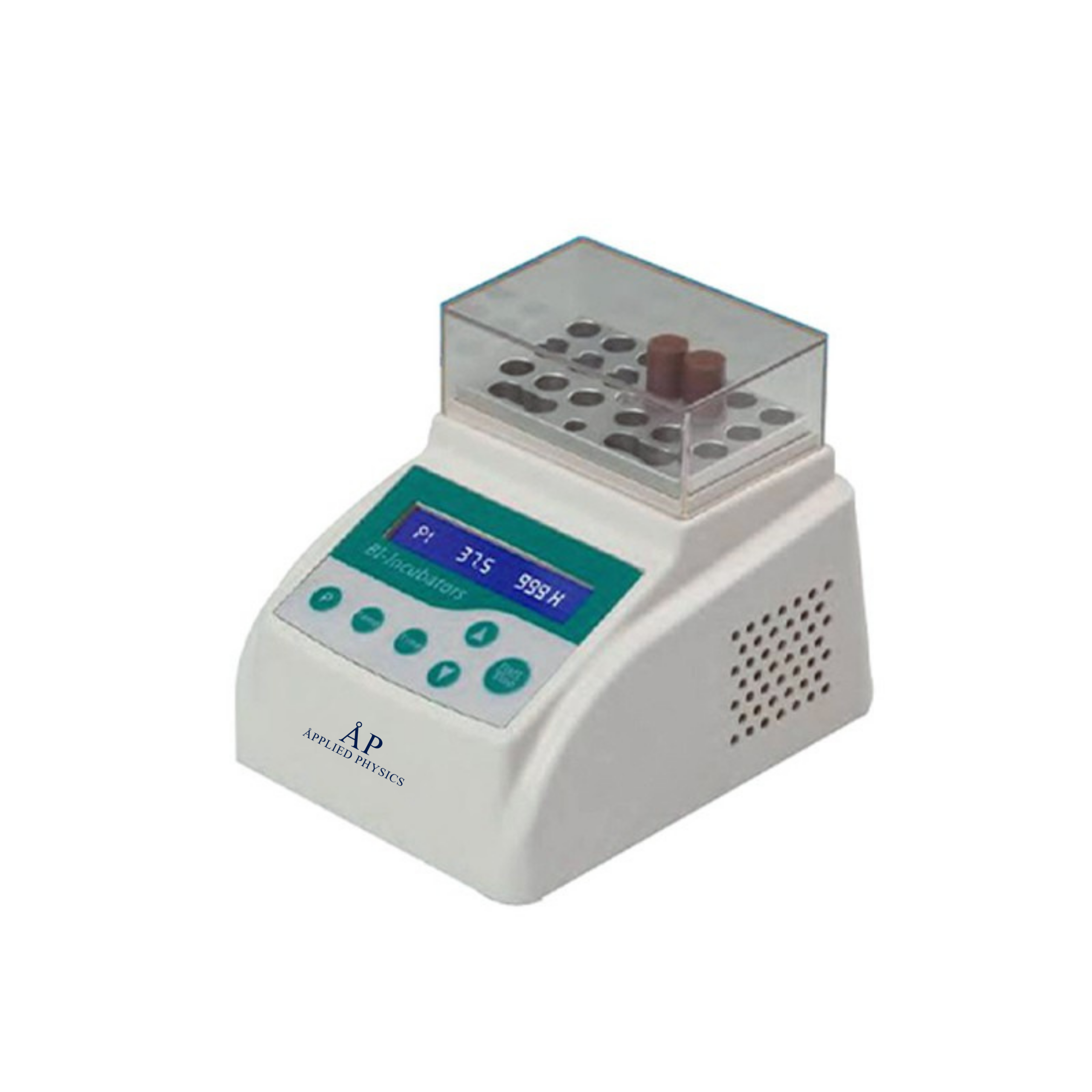
Biological Indicator Incubator BIO-80 Applications: It is a special constant temperature incubator for biological indicator controlled by microcomputer. Widely used in all kinds of sterilization effect monitoring biological indicators in the process of constant temperature culture. It is especially suitable for periodical constant temperature culture monitoring of pressure steam sterilization biological indicator and ethylene oxide sterilization biological indicator. A variety of modules are optional, which can be easily used with biological indicators from different manufacturers. Features: Small in size and flexible in movement. A variety of specification modules are available to match biological indicators from different manufacturers. Portable, suitable for 24V power adapter. Optional power failure automatic recovery function, automatic operation function when booting, improve work efficiency. The transparent insulation cover is convenient for users to observe the whole process of the experiment. Technical Parameters: Model BIO-80 Temperature Control Range RT+5-100℃ Temperature Control Accuracy ≤±0.3℃ Timing Range 1min-99h Module Temperature Uniformity ≤±0.3℃ Display Precision 0.1℃ Temperature Stability ±0.3℃ Heating Rate ≤6min(from 20 to 56℃) Power 40W Power Supply 100-240V, 50/60Hz Packing Size 280*240*210mm Gross Weight 1.8kg Module Specifications Model Pore Diameter Number of Tube MD40 φ10mm 15 MD41 φ12mm 12 MD42 φ15mm 8 MD43 φ16mm 8 MD44 φ12mm, conical bottom 14 MD45 φ9mm 18
Product relationship
Available Through Applied Physics
Applied Physics supplies and supports quotation of this product. Product branding and manufacturer information, where stated on the product page or supporting documentation, remain authoritative.
Applied Physics portfolio: Medical
Catalog relationship: Available Through Applied Physics
Related Applied Physics resources
Continue through the Medical portfolio
Use these technical and portfolio pages to compare applications and related equipment. To keep this exact product attached to an RFQ, use the product’s existing Request a Quote or Add To Order control.

Reviews
There are no reviews yet.